LLM Apps series: Experimenting with masks
Before I do too much architecture or design, I want to get in and see how things really behave. My experience with image diffusers is mostly with Stable Diffusion in the Automatic1111 interface. A little bit of ComfyUI. But I’ve done very little prompting and generation through code. A little bit here. So I’m going to start by getting my hands dirty, and hopefully learning something applicable.
Also, I have an idea to address a problem, which is…
Image generators suck at text
In a comic book, you want the dialogue and narration to be a part of your image. It helps you tell who is saying what, and it keeps you in the visual space. But image generators are not capable of writing really any text, let alone the text you wanted.
The easy solution is to just add text into your image with some other software, like photoshop. This post-processing could be added to our app, and may end up being the solution. One thing I’m worried about is generating an image whose layout doesn’t leave obvious space for your text. You don’t want to generate an image and then need to cover up something important with a speech bubble.
What if we could go the other way around? What if we could put the speech bubble where we want it, and ask our image generator fill in the layout around it.
Inpainting with Stable Diffusion
With image generation AI, some services will allow you to regenerate just part of the image. Maybe you’ve got a great image except the hands came out kind of twisted, and you want to just regenerate the hands until they look good. This is referred to as Inpainting.
This has a distinct advantage over just pasting hands (or speech bubbles) over your existing image. The new pixels and the old pixels are all run through the pipeline together, and treated as one package. It allows the image model to make a coherent image. As the model slowly generates an image from noise, it sees your pre-defined parts of the image as part of the new image, and builds inside. It nicely draws things together as one image, instead of hard boundaries you get from just pasting one image on top of another.
Now, the term is Inpainting, but it works just as well to save a small part of your image, and generate around it. Which is what we’re going to attempt…
Let’s try Outpainting!
Round 1
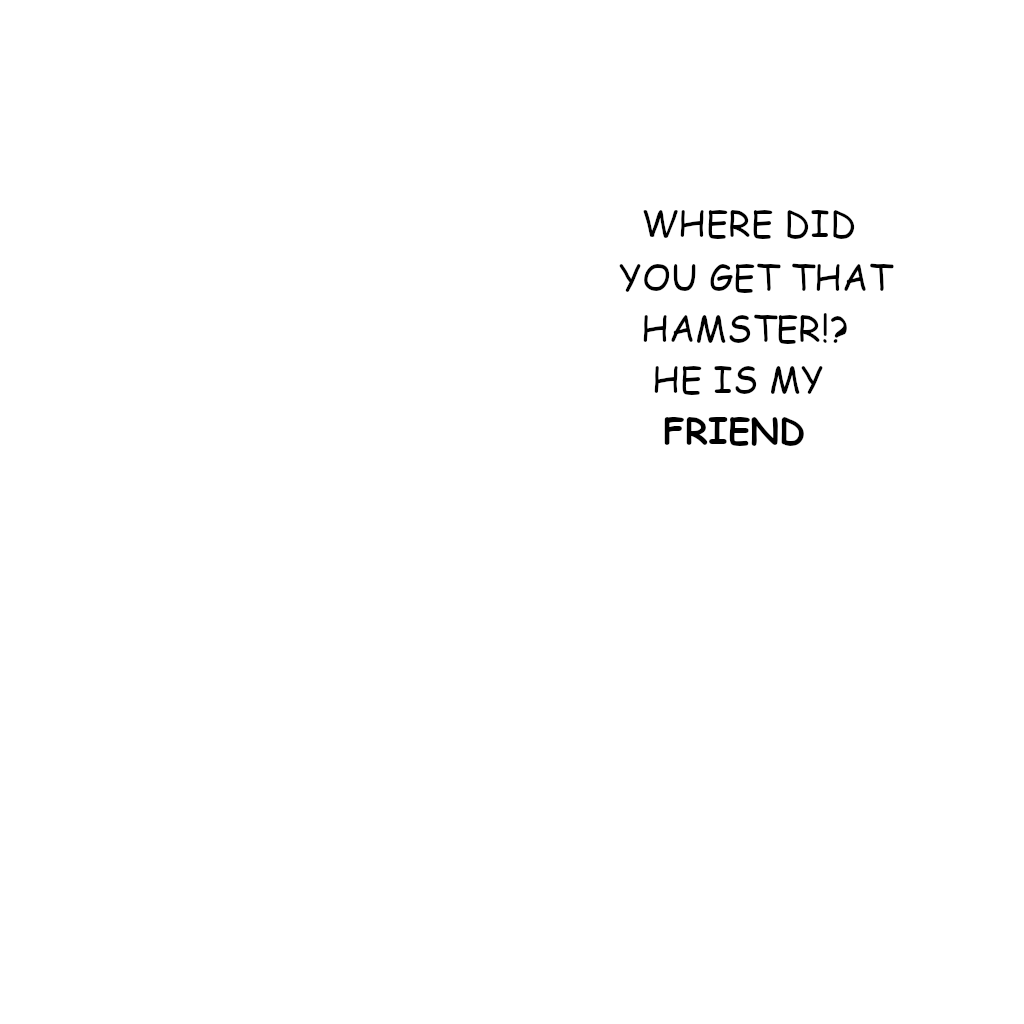
For the first test, I just created a basic image and mask in GIMP. Then I used the Stability AI API to generate some images.
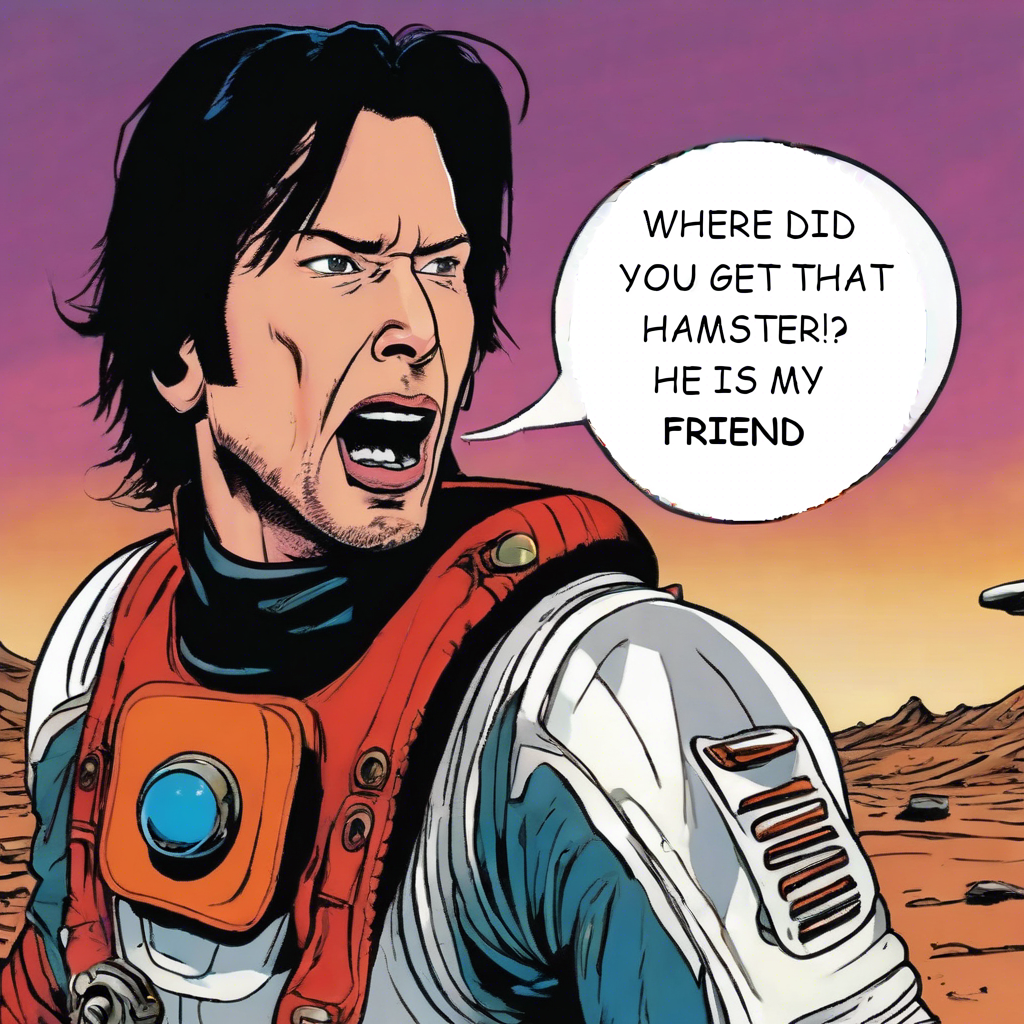
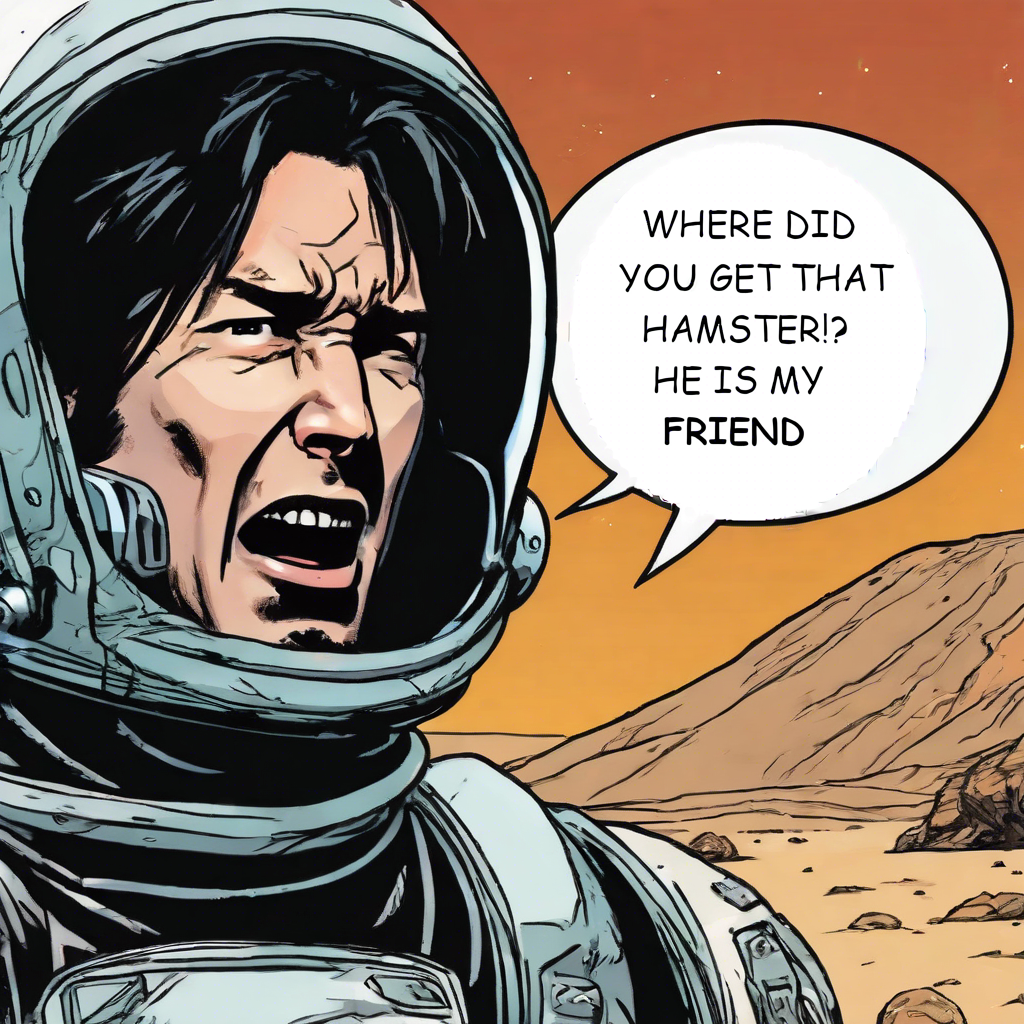
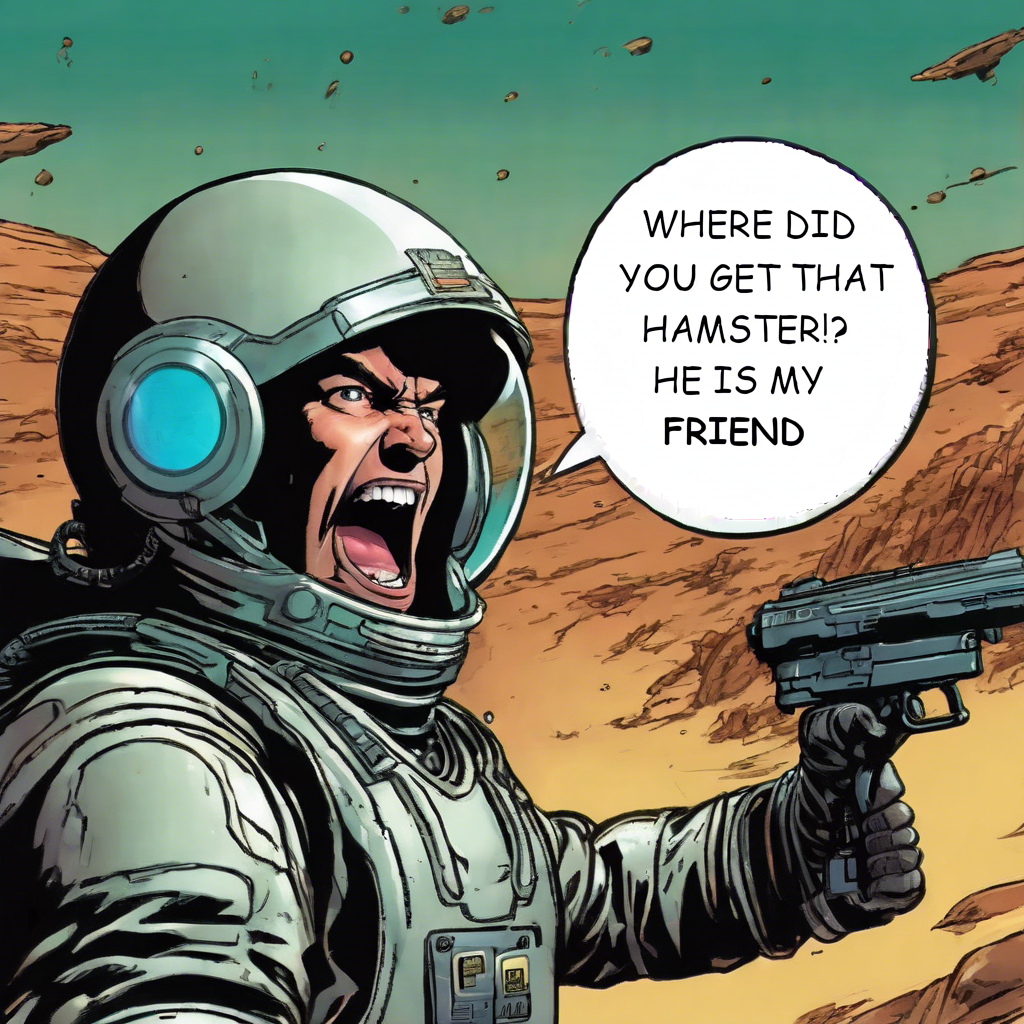
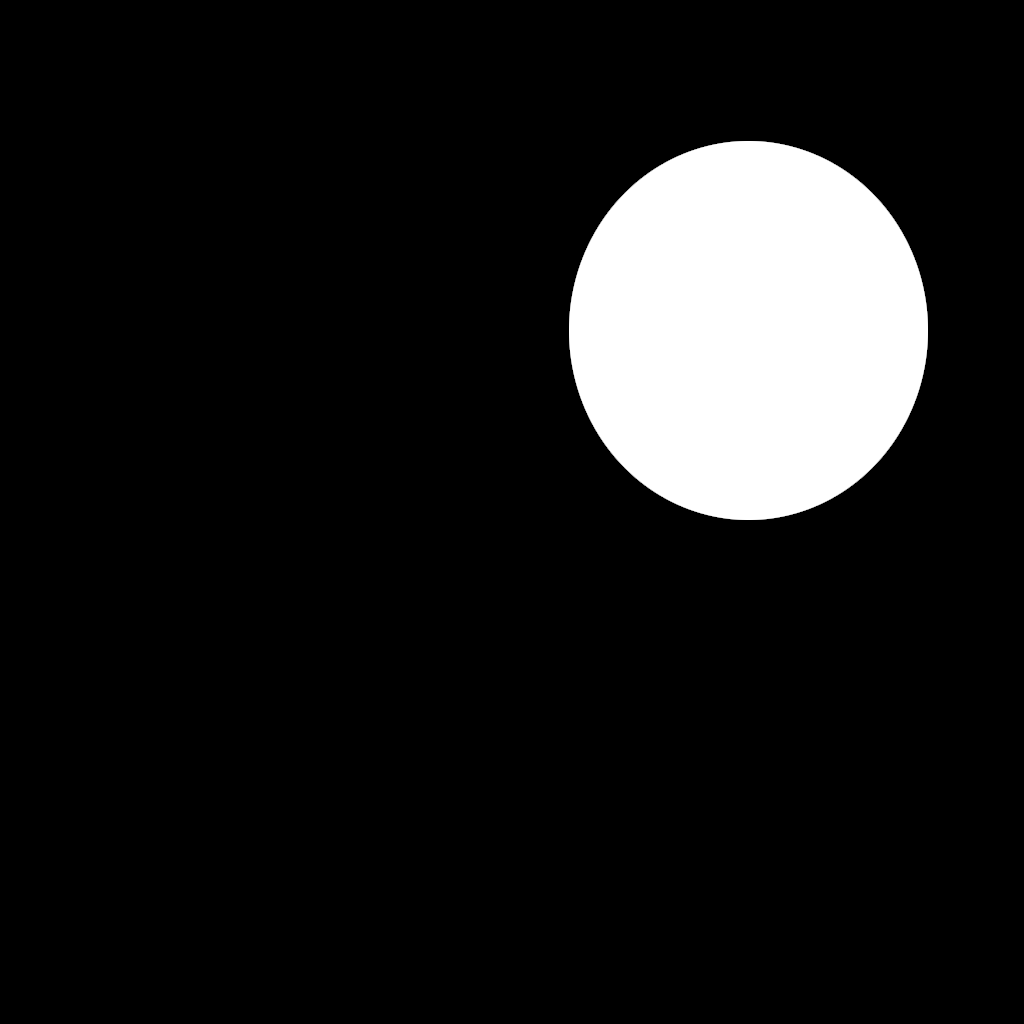
So, you can indeed generate an image around your text! 🙌
I especially like that although my mask was perfectly round, the speech bubble was not, giving it a more organic feel.
A couple other things I noted are that the generated bubble is not always perfectly white, and the original background stands out. You may have also noticed a double attribution for one of the bubbles.
Round 2
As a next step, I wrote some python code to generate these initial text-only images of a panel. I also discovered that the API could take a single image, where visible pixels would be “masked” and transparent pixels would be generated.
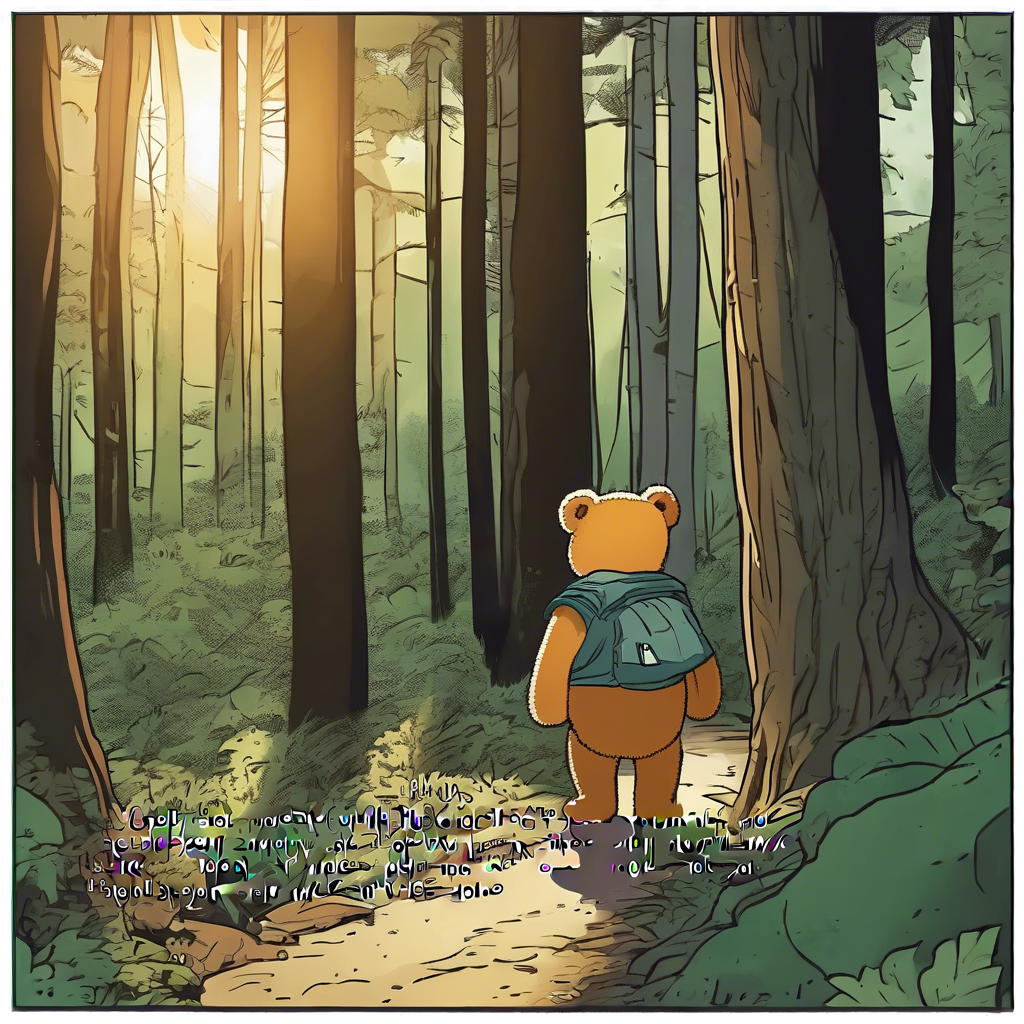
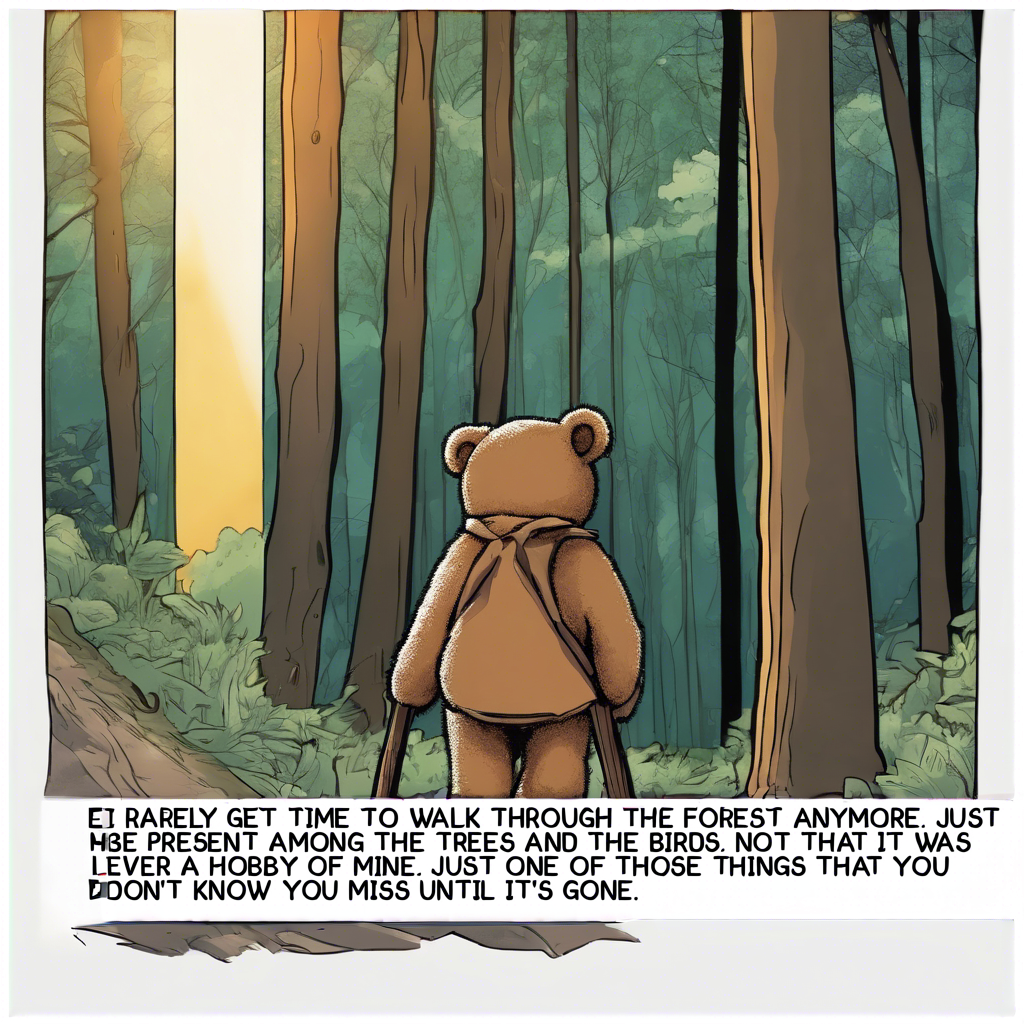
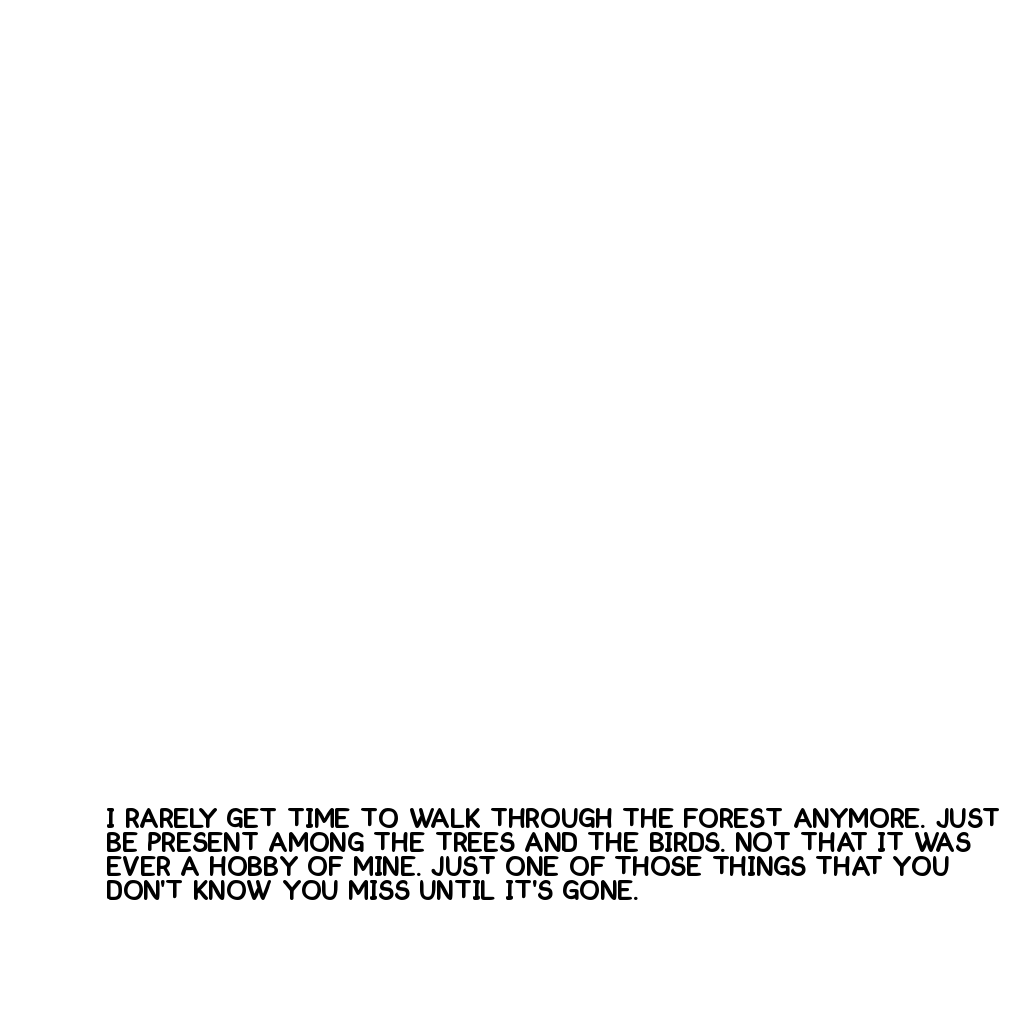
I found that if there was not sufficient masked space around the text, the generated image would try to add more text in line with mine. In one test, I didn’t include any background at all, and the generator kind of reclaimed the text. I started to suspect that maybe the API was blurring the mask in an attempt to create a more natural result.
Also, we’re still getting those double speech bubbles.
Round 3
Since I was getting some unexpected behavior from Stablity’s API, I wanted to see if I could get a more “raw” experience with the SDXL model. So I went to Replicate to use their API instead.
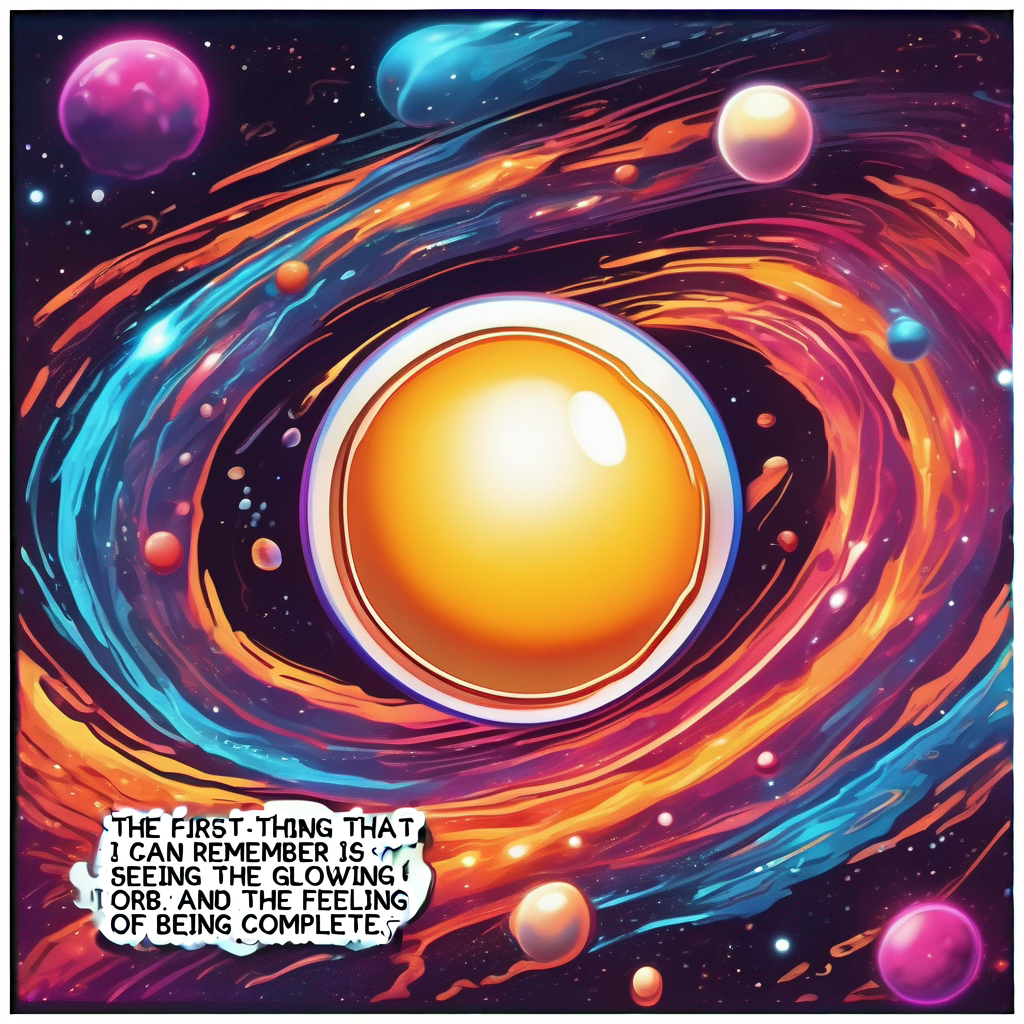
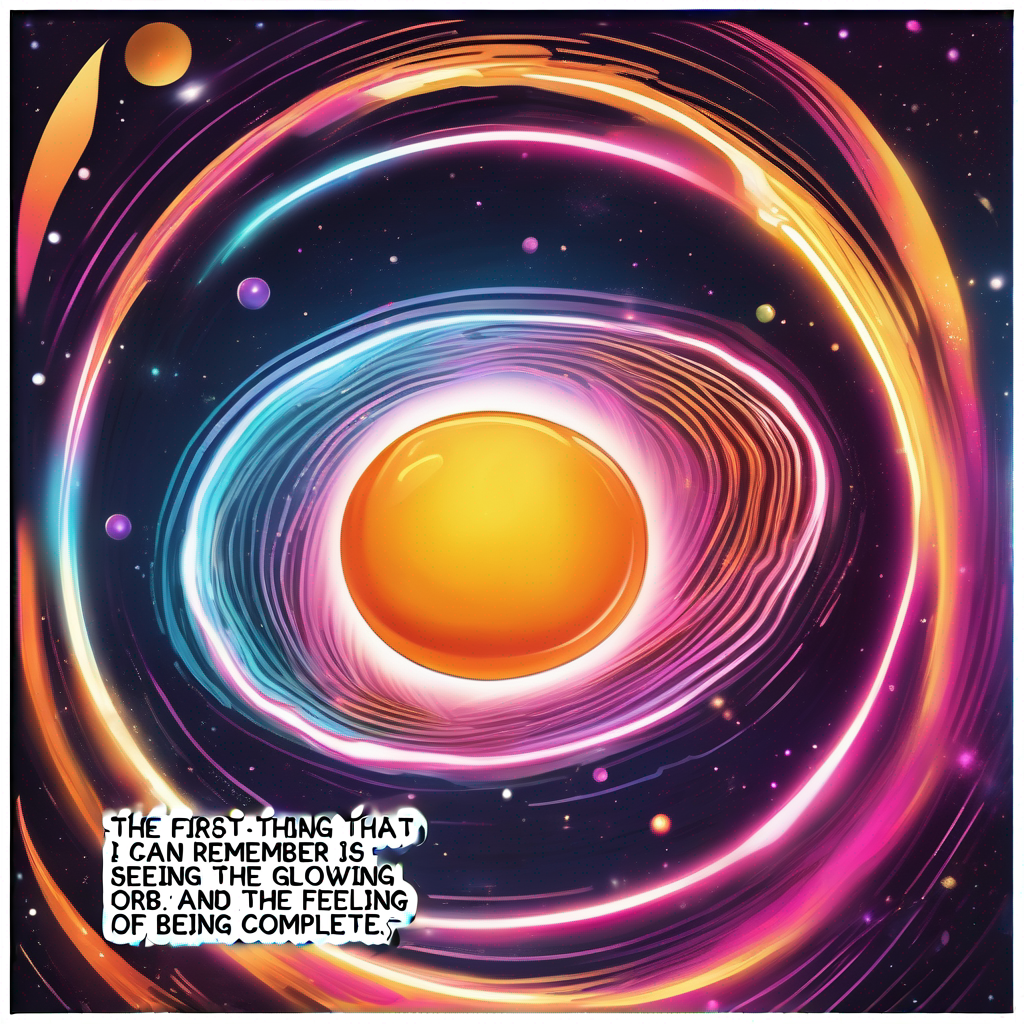
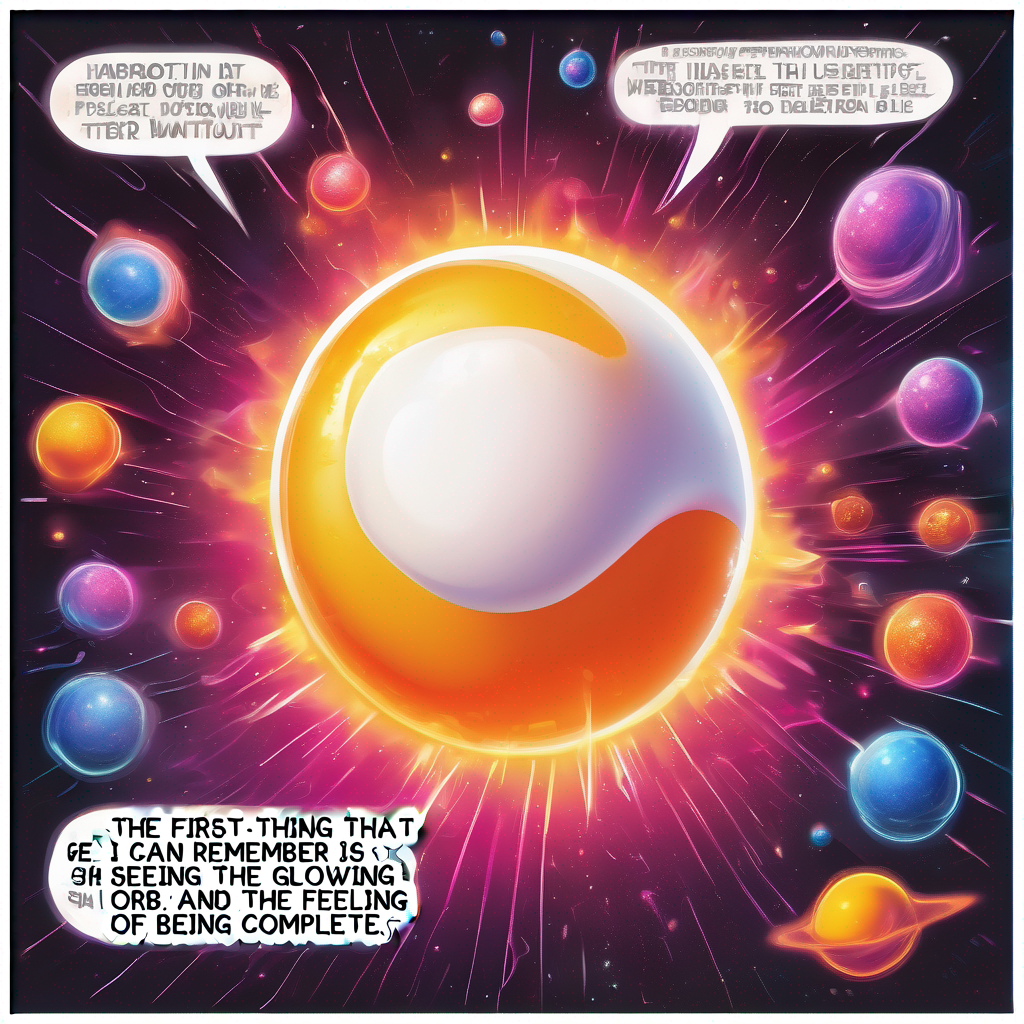
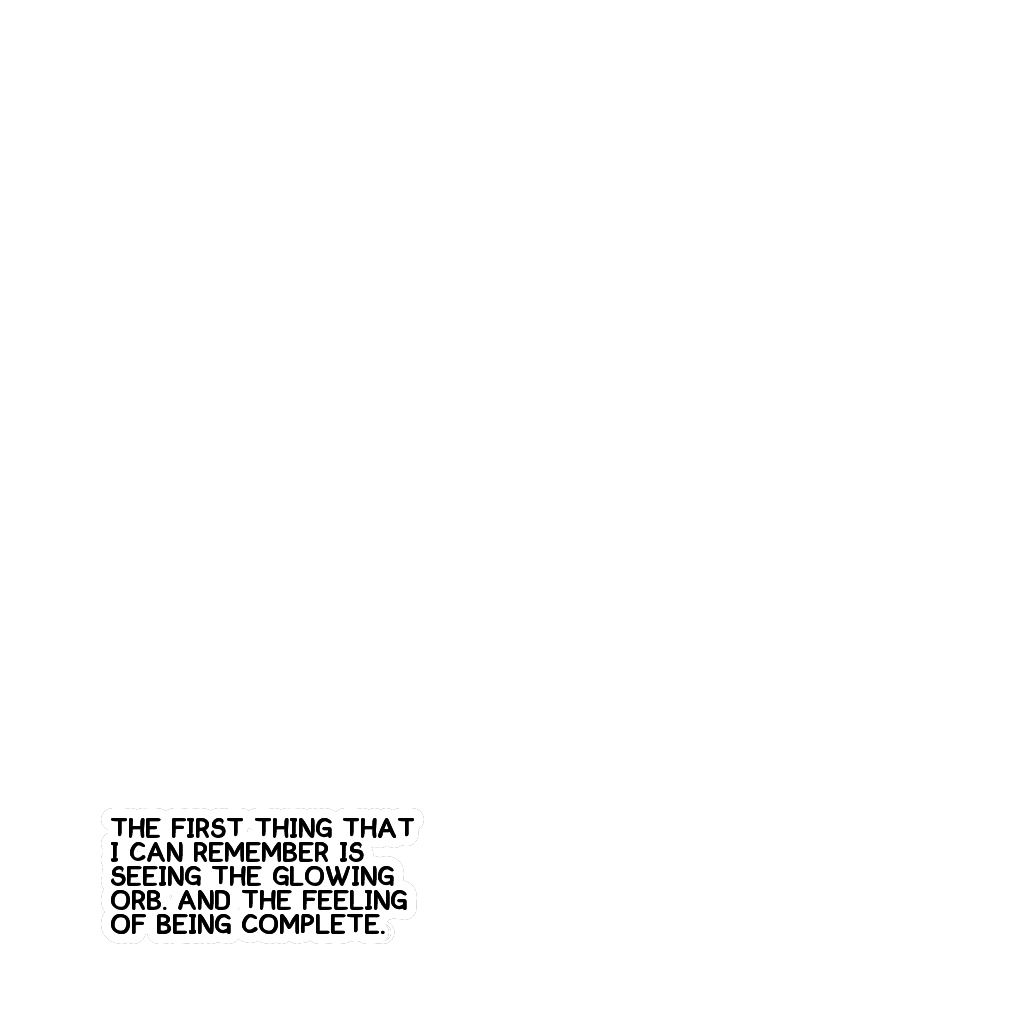

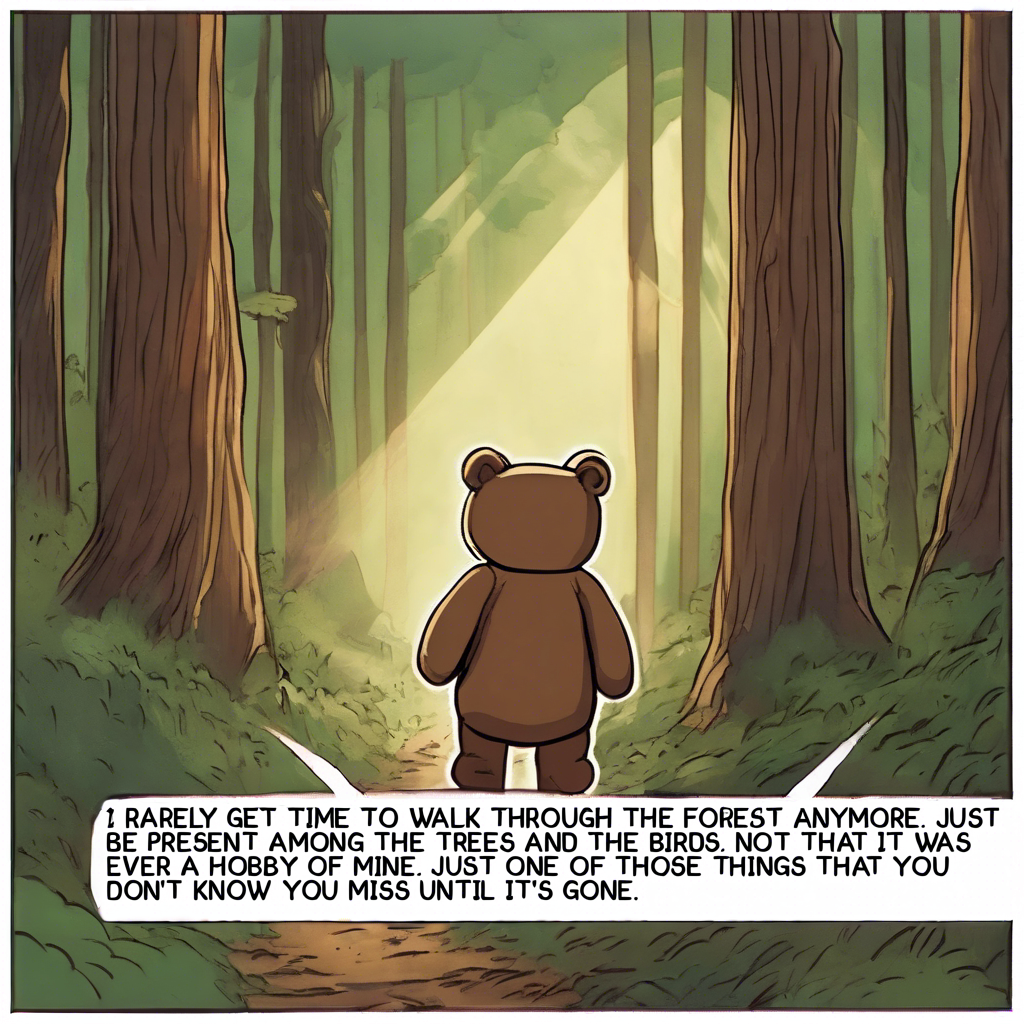
I was not getting the same fuzzy boundary around my mask. I also wasn’t getting what I had hoped for, which was a clearly defined background for the narrative text. I’m still getting extra speech bubble pointers, and extra speech bubbles. Which is no surprise really. This is the same model as I was using before just a different provider.
Learnings
API differences
I had expected models to give meaningfully different results and behaviors, but didn’t think about how each API might behave differently. I wonder how I might document this in the code.
Supporting a multiple backends
One of the key points in my original post was that you are going to want to swap models in and out to optimize performance and output. It turns out my code needs to be ready to support not just different models, but communication with different platforms. The same model on two different platforms had different behavior and capabilities.
Modular Prompting
Again, in the spirit if iteration, I know that my users will want to be able to quickly iterate prompts to get the results they want. For my needs, I created an array of strings that I could quickly add or comment out to get different results. This worked for me, and could potentially be translated into a UI for the user. Something where you’re dragging and dropping pre-defined or custom snippets into a prompt, and be able to compare the results.
All of this kind of begs the question, “so what does the code look like.” But we’ll have to get into that another time. 😉